All articles · New in KMU | base
Docu | base: Office in the browser, folders with permissions
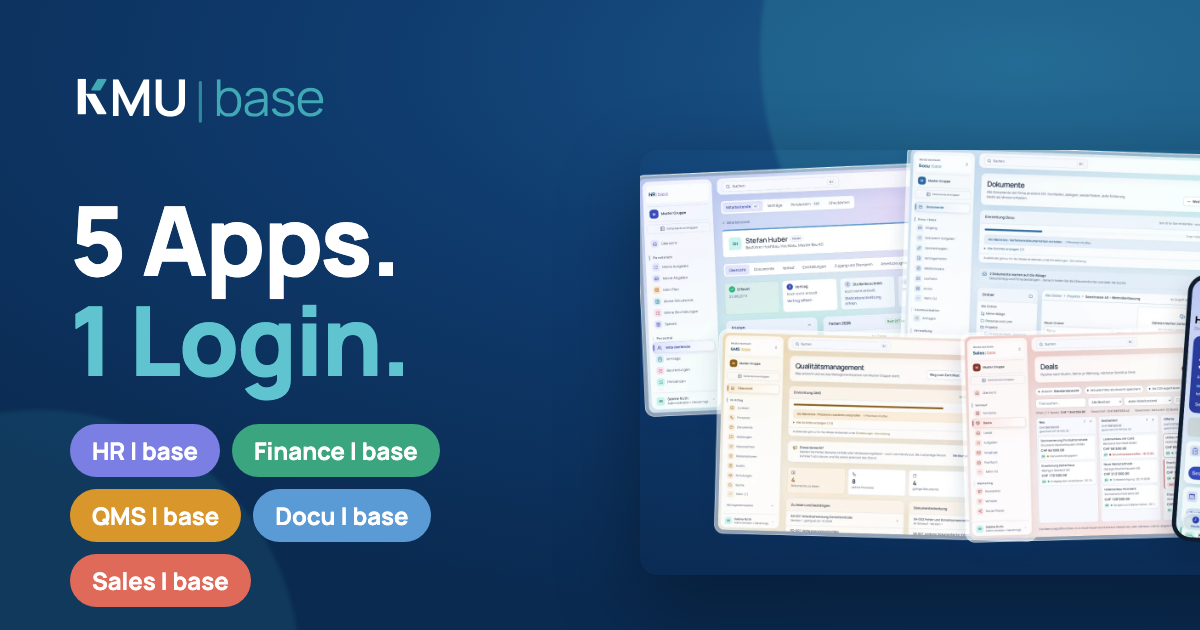
Edit Word, Excel and PowerPoint directly in Docu, also together. With folders like on a file server, and permissions per person, role and department.
Docu | base makes everyday work with your documents simpler: you edit Office files directly in the browser, and folders work like on a file server, with permissions.
Office in the browser
You edit Word, Excel, PowerPoint and OpenDocument files directly in Docu, also with several people at the same time. Everyone appears with their name and colour, in their own language. One editor is open per person and document, the lock is the same as in desktop Office, and saving does not create a flood of versions. From the app, too, you open a document without signing in a second time.
Prefer your own Office?
With "Open in Word" (or Excel, PowerPoint) the file opens in the program on your device. When you save there, the file arrives in Docu as a new version.
Folders with permissions
You create folders and subfolders, upload files directly into them, rename them and move documents and folders. For each folder you define which person, role or department may read, edit or manage. Subfolders inherit permissions, inheritance can be interrupted, and "Who has access?" shows the reason. For working documents each person also has "My files", which only they see and from which they share selectively.
Take a look
Try KMU | base in the demo account: seven days, with sample data, no credit card.