All articles · New in KMU | base
HR | base: shift planning by area, with reasons
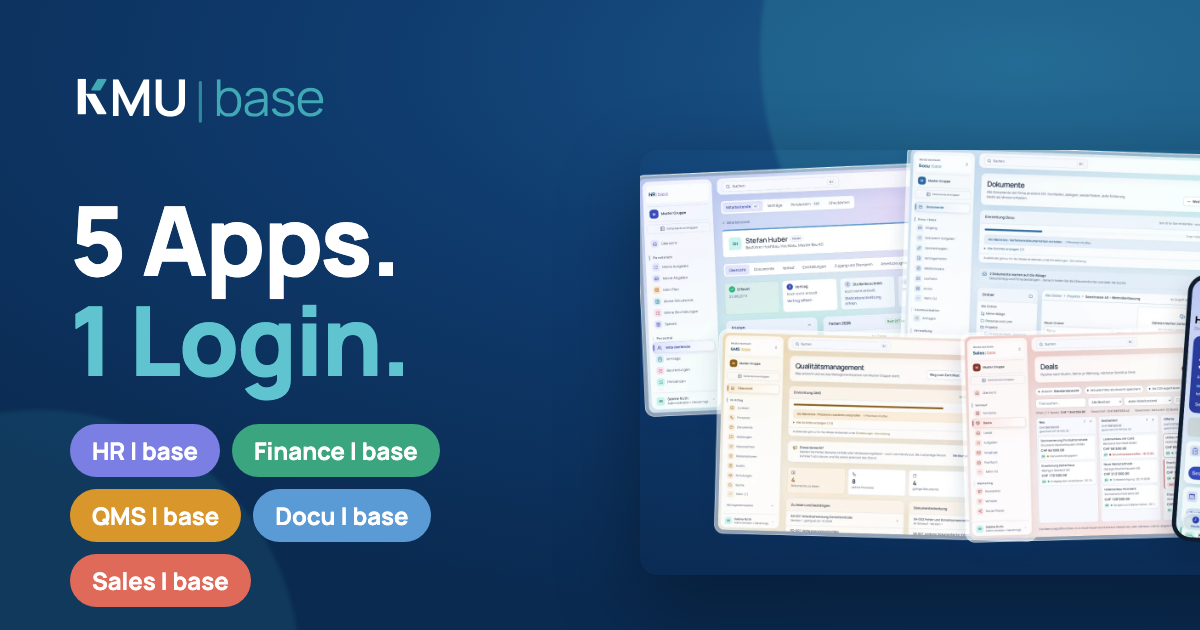
Areas per site, split shifts on the same day, suggestions for scheduling and a reason when clocking in or out, with a grace period in minutes.
For businesses that work in shifts, HR | base plans the way you work: by area, with split shifts and with scheduling suggestions. If someone deviates from the plan, they give the reason right when they clock in or out.
Shift plan by area
You create areas per site, for a swimming pool for example cashier, pool and restaurant. For each area you enter the demand, for example cashier Monday to Friday 08:00–20:00 with two people. The "Areas" view shows for each day how many hours are covered and lists the gaps with time and missing headcount. The monthly report shows planned, required and clocked hours per area.
Split shifts
A person can be scheduled several times on the same day, for example in the morning at the pool and in the afternoon at the restaurant. The eleven hours of rest apply between working days. On the same day, gaps count as breaks, and the 14-hour daily span still applies. Anyone helping out in another area is marked as on loan.
Suggestions instead of a puzzle
The automatic scheduler fills gaps with suitable people. It considers qualifications, availability, days off, time balance and preferences. You see the suggestion before anything is assigned. You post open shifts: either the first acceptance wins, or you collect interest until a deadline and then assign. When assigning and publishing, the plan checks rest periods, night and Sunday work, maximum weekly hours and youth protection under the Swiss Labour Act. Supplements, on-call duty and holiday blocks are taken into account.
Reasons when clocking
In the working time model you switch on mandatory reasons. Anyone who arrives before core hours, leaves after them, works longer than the daily target or deviates from the shift plan gives a reason when clocking: on the web, in the app or at the terminal. At the terminal "Give reason later" is also possible. You set the grace period in minutes per model and maintain the selectable reasons yourself. Core hours can be set per weekday, for example with a shorter Friday. Bridge days, company holidays and half days are entered as your own days off.
Deciding on deviations
Managers and HR see every deviation in the "Deviations" tab or in the app. They decide what happens with the time: full time, reduced to the grace period or a custom number of minutes, as normal time or as extra time. The clock entries themselves remain unchanged, and the person sees the decision under "My time".
Take a look
Try KMU | base in the demo account: seven days, with sample data, no credit card.